
The Best Asana Alternatives in 2026: An Honest Comparison
Asana's free plan covers two people, and its AI is billed by the request. Here is what 13 alternatives cost, what each one leaves out, and who should stay put, with every price dated 30 October 2026.
The short answer
Asana is still one of the most complete work-management products on the market, and for plenty of teams the right move is to stay. But the reasons to look elsewhere have multiplied this year. The free plan lists two users. The AI features the company is betting its future on are sold by the request. And the price on the front of the pricing page is no longer the whole price.
Here is the quick version, by situation:
- You want the closest like-for-like swap: monday.com or ClickUp. Both have timeline views, dashboards and automations, and both undercut Asana's Advanced tier.
- Your team is small and mostly needs boards: Trello, from $5 per user per month.
- You are a software team: Jira, whose free plan covers 10 users, or Linear. Plane if you want open source.
- You would rather not pay per person: Basecamp, which charges $199 a month for unlimited users.
- You bill clients for time: Teamwork, which has invoicing and retainers built in.
- You think in spreadsheets: Smartsheet.
- You need your data on your own servers: OpenProject or Plane.
- You already pay for Microsoft 365: try Planner first. A basic version comes with business plans.
- You pay for chat and a task tool separately: FabricLoop (our product) or ClickUp.
- You run portfolios, goals and resource plans across many teams: honestly, stay on Asana, or look at Wrike.
The rest of this guide explains why, with prices checked against each vendor's own page. We make one of these tools, so we have kept the comparison factual and dated every figure. A shorter Asana comparison covers FabricLoop against Asana on its own.
What is actually changing at Asana
Asana is not a company in trouble, and it is worth saying so first. In the quarter that ended in July it reported revenue of $216.4 million, up 10 percent from a year earlier, and raised its full-year forecast to between $858.5 million and $863.5 million. It has a new chief executive, Dan Rogers, who took over from the co-founder Dustin Moskovitz in July 2025.
But the earnings call in early September, where Mr. Rogers and the chief financial officer, Aziz Megji, walked investors through those numbers, was also a description of a business model under strain. Two details stood out. Asana's dollar-based net retention rate, a trailing average of what existing customers spend compared with a year earlier, was 97 percent. In aggregate, its customers were spending about 3 percent less. And Mr. Rogers described a Fortune 500 media company that had shrunk its workforce, the kind of change that has historically meant fewer Asana seats. That customer spent more anyway, because it bought Asana's AI products, which management said now account for about a quarter of its new annual recurring revenue.
That is the tension running through per-seat software in 2026. If AI lets a company do the same work with fewer people, a product priced per person earns less. So vendors move revenue to the thing that grows when headcount does not: usage. Asana's version took effect in mid-September. A base level of its AI Teammates and its Dash assistant is now included in paid tiers, tier prices unchanged, and use beyond that is billed by the request. Management told investors the shift would cost about $1.2 million in revenue timing in the second half of its fiscal year, a price it seems willing to pay to get customers using the tools.
What the meter looks like on a real bill
Asana's pricing page puts numbers on it. Starter costs $10.99 per user per month billed annually ($13.49 monthly), and Advanced costs $24.99 ($30.49 monthly). Both tiers include 5 AI requests per user per month, capped at 50 for the whole account, so any team of 10 or more shares the same 50. Beyond the allowance, a request costs $0.50 if you prepay or $0.60 if you pay as you go. A separate pool of AI Studio credits (50,000 a month on Starter, 75,000 on Advanced) covers custom workflows.
Take a 20-person team on Starter. The seats cost $219.80 a month. Suppose each person makes 25 requests a month, which is 500 in all. After the 50 included, 450 are billed: $270 at the pay-as-you-go rate, or $225 prepaid. The AI line would be larger than the seat line. That is arithmetic, not a forecast. Asana's help center does define a request: "a single, successful unit of work completed by Asana." A finished task from Dash or an AI Teammate counts, and so does each follow-up question, each revision, and a comment on a task where a Teammate is a collaborator if the Teammate decides it was addressed to it. Failures, cancellations, casual chat, and many Dash actions such as finding information, creating tasks or projects, and light edits do not count. Every interaction with an AI Teammate does. Whether a real team stays inside 50 is still unknowable from the outside, which is why we put a column for the AI meter in every table below.
The free plan is for two people
The second point is easier to miss. Asana's pricing page lists its free Personal plan as "for one or two people", with 2 users. A team of three or more that wants to stay on the free tier should check what its own workspace allows before building on it.
How we compared them
We checked each vendor's own pricing page on 30 October 2026 and compared every tool against Asana's current plans. Asana's baseline: a free Personal plan for two users, Starter at $10.99 and Advanced at $24.99 per user per month billed annually, with Enterprise and Enterprise+ by quote. Starter adds timeline and Gantt views, forms, reporting dashboards and unlimited free guests. Advanced adds portfolios, goals, resource management and approvals.
We looked at five things:
- Price for a paid seat, billed annually unless the vendor only lists monthly.
- Free plan limits, because the cap that matters differs by tool: users, storage, boards or issues.
- The AI meter: what is included, and what is billed on top.
- What a 20-person team pays, after seat minimums, user caps and plan jumps.
- Hosting and exit: cloud only, or self-hosting available.
FabricLoop is our product and it is on this list. We benefit when teams reconsider their tools, so weigh our picks accordingly. We have described FabricLoop by the same criteria as everyone else, including what it lacks. We have not used review scores or "hours saved" claims we cannot back up.
Asana alternatives at a glance
Trello and Plane have the cheapest paid seats. Jira, Trello and Plane have free plans that cover a real team. Basecamp is the only tool that does not charge per person. Prices are per user per month, billed annually, as listed on 30 October 2026.
| Tool | Best for | Free plan | Paid from | The AI meter | Self-host |
|---|---|---|---|---|---|
| Asana (baseline) | Cross-team work, portfolios and goals | 2 users | $10.99 | 5 requests per user a month, 50 per account; $0.50 to $0.60 beyond | No |
| FabricLoop | Chat and tasks in one workspace | Up to 10 groups, unlimited users, 90 days of message history, with no time limit on tasks | $8 ($10 monthly) | Model usage at provider rates; our estimate $5 to $20 a month for 20 people | No |
| monday.com | Visual boards and no-code workflows | 2 seats, 3 boards | $9 (Basic) | Monthly credits: 1,000, 2,000 or 3,000 by plan | No |
| ClickUp | One app for tasks, docs and chat | Unlimited members, 60 MB storage | $9 (Core) | Pooled credits; $10 per 10,000 more | No |
| Trello | Small-team Kanban boards | 10 collaborators, 10 boards | $5 (Standard) | AI features from Standard | No |
| Notion | Docs with lightweight tracking | Limited blocks for teams; 7-day history | $10 (Plus) | Agent and custom agents on Business, with credits included | No |
| Wrike | Process-heavy and client work | Free plan, boards and tables | $10 (Team, 2 to 15 users) | AI Essentials on Team; AI Elite packs by quote | No |
| Smartsheet | Spreadsheet-style planning | None; 30-day trial | $9 (Pro, 1 to 10 members) | Conversational AI on Pro; connection to external AI tools on Business | No |
| Jira | Software teams | 10 users, 2 GB | $9.70 (Standard, at 20 users, billed monthly) | Rovo credits: 25, 70 or 150 per user a month | Not on these plans |
| Linear | Product and engineering teams | Unlimited members, 250 issues | $10 (Basic) | Agent platform and MCP access on every plan | No |
| Basecamp | One flat price for the whole company | 1 project, 3 users | $199 a month flat (Pro Unlimited) | No AI fee listed | No |
| Teamwork | Agencies and client services | 5 users, 5 projects | $9.99 (Basics, 3-seat minimum) | Not listed on pricing page | No |
| Plane | Open-source tracking | 12 users | $6 (Pro) | Credits: 500 or 1,000 per seat a month | Yes |
| OpenProject | Classic project plans, self-hosting | Free Community edition | €5.95 (Basic, 25-user minimum) | No AI fee listed | Yes |
Paid prices are per user per month, billed annually, unless the cell says otherwise. Checked 30 October 2026.
What a 20-person team actually pays
A per-seat price is a bad guide to a bill. Seat minimums, user caps and plan jumps change the answer. Wrike's Team plan stops at 15 users, so a team of 20 starts on Business at $25. Smartsheet's Pro plan stops at 10 members. OpenProject sells paid editions to a minimum of 25 users, and Basecamp's cheaper tiers cap at 5, 10 and 15 users before the unlimited plan at $199 a month. The chart shows the cheapest paid plan each vendor will sell to 20 people, billed annually, before any AI usage fees.
Ten of the twelve alternatives charted cost less than Asana's Starter plan at this size. The comparison is not perfectly fair, because Starter includes timeline and Gantt views, forms and unlimited automations, which several cheaper entry plans do not. Trello's Standard plan lacks a timeline view until Premium at $200, and monday.com's Basic plan lacks it until Standard at $240 with its current offer, or $280 at list price. ClickUp's Core plan, at $180, includes Gantt charts. If you need the features of Asana's Advanced tier (portfolios, goals, resource management), the bill for 20 people is $499.80 a month, and the gap to the alternatives widens.
OpenProject is left off the chart because it prices in euros: €148.75 a month for its Basic edition, which is the 25-user minimum at €5.95. Its Community edition is free.
What each plan includes, feature by feature
Price is half the decision. This grid shows the features that most often decide whether an Asana team can move, drawn from each vendor's pricing page and download pages.
Only one tool here combines built-in chat with a task board. The rest of the grid shows where each one draws its lines.
| Tool | Gantt | Dash- boards |
Port- folios |
Re- source |
Chat | AI | Free 5+ |
Time track |
Apps | Self- host |
|---|---|---|---|---|---|---|---|---|---|---|
| FabricLoop (ours)Standard $8 | ||||||||||
| Asana (baseline)Starter $10.99 | ||||||||||
| monday.comBasic $9 | ||||||||||
| ClickUpCore $9 | ||||||||||
| TrelloStandard $5 | ||||||||||
| NotionPlus $10 | ||||||||||
| WrikeBusiness $25 | ||||||||||
| SmartsheetBusiness $19 | ||||||||||
| JiraStandard $9.70 | ||||||||||
| LinearBasic $10 | ||||||||||
| BasecampPro Unlimited $199 | ||||||||||
| TeamworkBasics $9.99 | ||||||||||
| PlanePro $6 | ||||||||||
| OpenProjectBasic €5.95 |
The columns follow each vendor's own pricing page on 30 October 2026. An empty circle means the page does not list the feature, which is not proof the tool lacks it. Columns, left to right: Gantt or timeline, dashboards, portfolios or initiatives, resource planning, built-in chat, AI in the base plan, a free plan for five or more people, time tracking, apps on every device (Mac, Windows, iPhone, iPad and Android; a half mark means some of them), and self-hosting. Hover any mark for the detail behind it. Prices are the cheapest plan that fits 20 people, per user per month.
The meter is the new price
Every tool here now sells AI, and they bill it in different units. Asana counts requests. monday.com, ClickUp, Jira and Plane count credits. Notion includes a monthly credit allowance on Business and sells more. Wrike sells packs of "AI Elite" actions by quote. A request and a credit are not the same thing, and no two vendors define either the same way, so the figures below cannot be converted into one another. What you can compare is where the line falls between included and billed.
| Tool | What is included | What costs extra |
|---|---|---|
| Asana | 5 requests per user a month, capped at 50 per account (250 on Enterprise); AI Studio credits of 50,000, 75,000 or 200,000 per account | Requests beyond the allowance: $0.50 prepaid, $0.60 pay as you go |
| monday.com | 1,000, 2,000 or 3,000 AI credits a month on Basic, Standard and Pro | Enterprise is by quote |
| ClickUp | 500 credits per workspace on Free; 1,000 per user on Core; 1,500 on Business | $10 per 10,000 extra credits; the Max plan at $100 per user adds heavier AI |
| Notion | Notion Agent, custom agents and AI meeting notes on Business ($20); a limited trial on Plus | 1,500 standard and 500 select credits per seat a month on Business; admins can buy more |
| Jira | Rovo credits per user a month: 25 on Standard, 70 on Premium, 150 on Enterprise | None on Free; the plan page does not list a rate for extra credits |
| Plane | 500 credits per seat on Pro; 1,000 on Business | No AI on the Free plan |
| Linear | Agent platform and MCP access on every plan; triage and code intelligence on Business and above | Coding sessions and Loops require AI credits |
| Smartsheet | Conversational AI on Pro; connection to external AI tools on Business | Not listed |
| FabricLoop | Agents on every plan; free-plan agent credits are for testing only | Model usage at provider rates (Anthropic or OpenAI); our estimate is $5 to $20 a month for a 20-person workspace, not a quote |
Wrike, Basecamp, Trello and OpenProject do not publish a per-use AI rate on their pricing pages as of 30 October 2026.
Three questions are worth asking any vendor before you sign. What exactly counts as one request or credit? Is the allowance pooled across the account or counted per person? And does unused allowance roll over? Asana's prepaid packs, for example, are valid for the length of the contract. The answers decide whether the AI is a feature or a utility bill.
The 13 best Asana alternatives
1. FabricLoop (our product)
FabricLoop starts from the conversation rather than the project plan: team messaging with tasks, notes, calls and AI agents attached to the same thread. It is the smallest tool on this list and the only one built chat-first, which is both the pitch and the limitation.

FabricLoop Tasks on the Mac app, with the conversation beside the work. The app runs in 30+ languages. Source: fabricloop.com.
- Best for: Small and growing teams that run on conversation and want tasks attached to it, instead of a separate planning tool.
- Free: Up to 10 groups and unlimited users. Message history is searchable for 90 days; tasks are not limited that way.
- Price: Standard is $10 per active user per month billed monthly, or $96 per user per year ($8 a month). A user counts as active, and is billed, if they take an action in any 28-day period. Standard adds unlimited groups, unlimited message history and production agent usage. Enterprise, with SSO/SAML and audit logs, is $20 monthly or $192 per year ($16 a month). AI model usage is billed at provider rates. Details are on pricing.
- Tasks and views: Owners, priorities, due dates, labels, sections, comments and files. List, Kanban and calendar views, plus a dashboard that shows tasks at risk. Subtasks to three levels, and "blocked by" links that reject circular dependencies. Any message can become a task and keeps a link back to the conversation. See Tasks.
- AI: Loop Agent works in the channel: it summarises threads, creates tasks, drafts updates and asks before higher-stakes steps. An MCP client and server let Claude, ChatGPT or Cursor read and write tasks and notes, limited to the groups you can access.
- Watch out for: No Gantt view, no portfolios and no resource planning. A team that lives in those features should stay on Asana or look at Wrike. It is also newer, with a far smaller integration directory, and there is no self-hosting.
2. monday.com
monday.com is the nearest thing to a like-for-like swap: visual boards, timeline and Gantt views, dashboards and a no-code automation builder, aimed at the same mid-sized teams as Asana. See also the monday.com comparison.
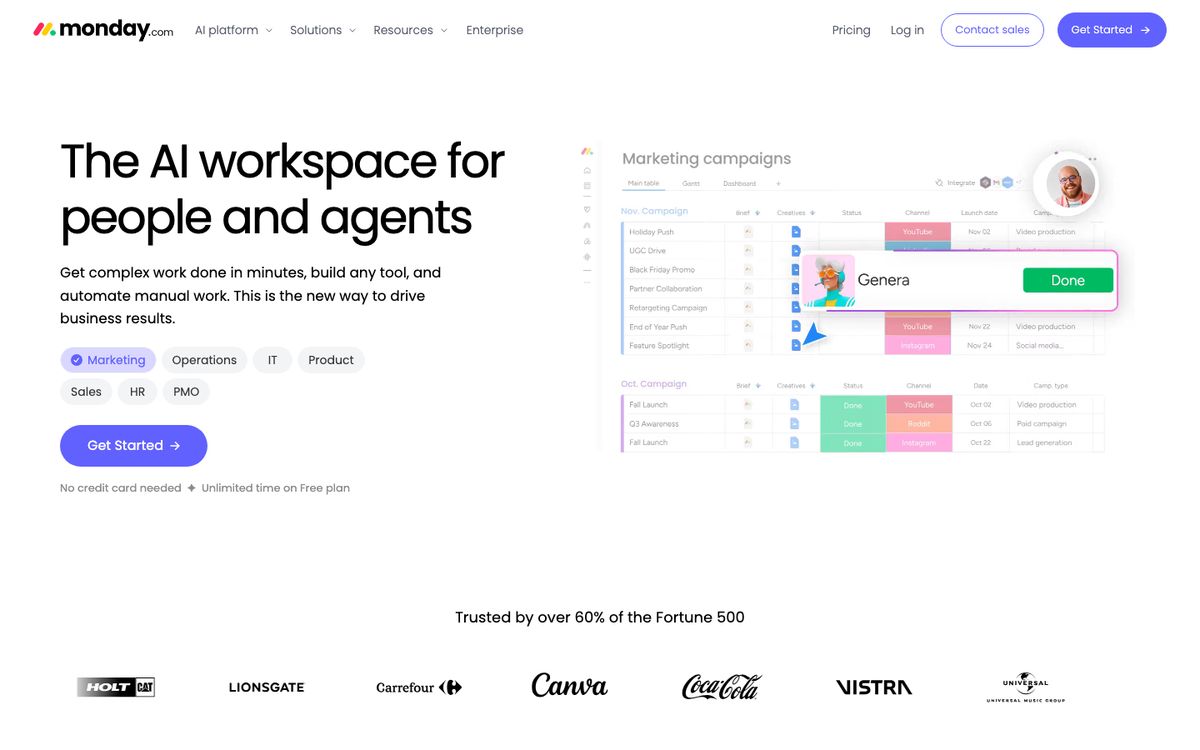
- Best for: Teams that want to build their own workflows without code and like a spreadsheet-meets-board layout.
- Free: 2 seats, 3 boards and 3 Docs.
- Price: Basic $9, Standard $12 and Pro $19 per seat per month billed annually, or $12, $14 and $24 billed monthly, shown for 10 seats. The annual Standard and Pro prices carry a "special offer", with $14 and $22 crossed out beside them. See monday.com pricing.
- Tasks and views: Timeline, Gantt and calendar views start at Standard, as does guest access. Pro adds time tracking, private boards and advanced columns.
- AI: Monthly credits scale with the plan: 1,000 on Basic, 2,000 on Standard, 3,000 on Pro.
- Watch out for: Automation and integration actions are capped, at 250 a month each on Standard and 25,000 on Pro. Basic has no timeline view. CRM, dev and service products are priced separately.
3. ClickUp
ClickUp's pitch is that everything belongs in one app, and the feature list backs it up: tasks, docs, whiteboards, chat, goals, dashboards and an AI assistant called Brain.
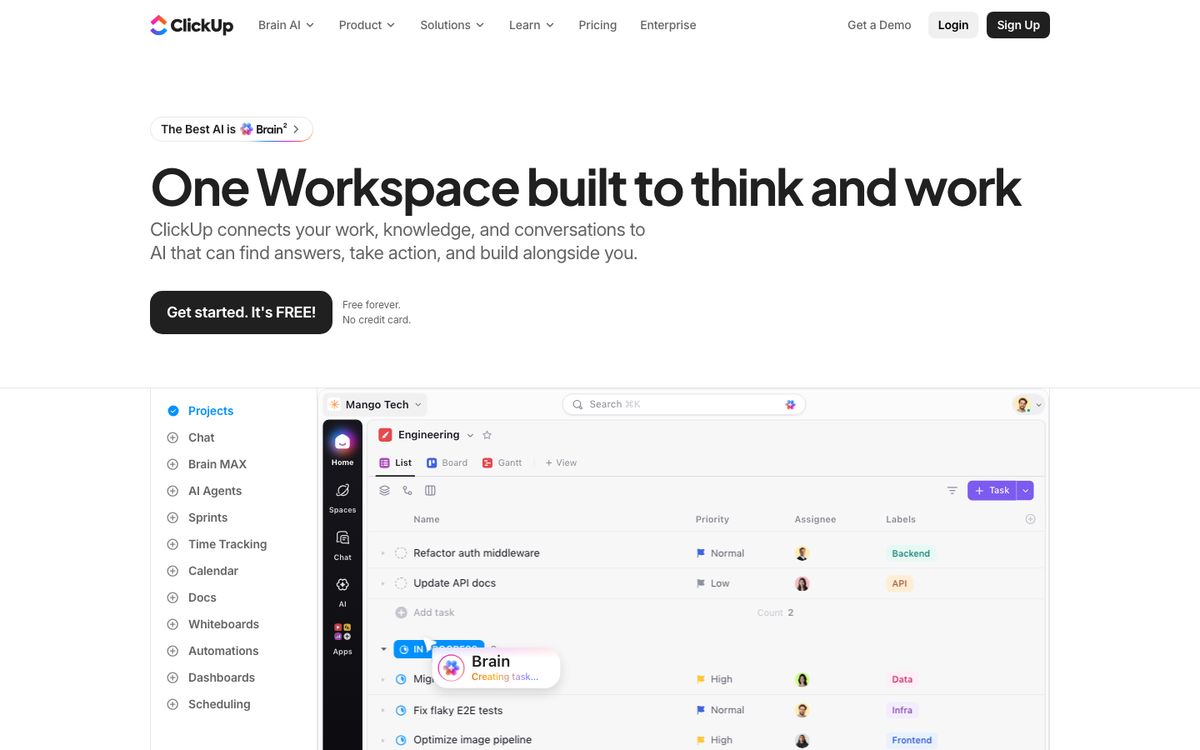
- Best for: Teams that want one tool for tasks, docs and chat and are willing to configure it.
- Free: Unlimited members and guests, but only 60 MB of storage, 5 spaces, 100 automation actions a month and 90 days of chat history.
- Price: Core $9 and Business $17 per user per month billed annually, or $12 and $25 billed monthly. Enterprise is by quote. The Max plan is $100 per user billed annually, or $120 monthly. See ClickUp pricing.
- Tasks and views: Gantt charts, goals and unlimited chat from Core. Timeline and Workload views, resource management and advanced dashboards arrive with Business.
- AI: Brain credits are pooled: 500 per workspace on Free, 1,000 per user on Core, 1,500 on Business. Business also includes unlimited use of standard models. Extra credits cost $10 per 10,000.
- Watch out for: Breadth comes with a learning curve, and the free plan's storage cap is tiny.
4. Trello
Trello is the lightest tool here, and for a small team that is the point. It is an Atlassian product built around Kanban boards and makes no claim to be a portfolio manager.
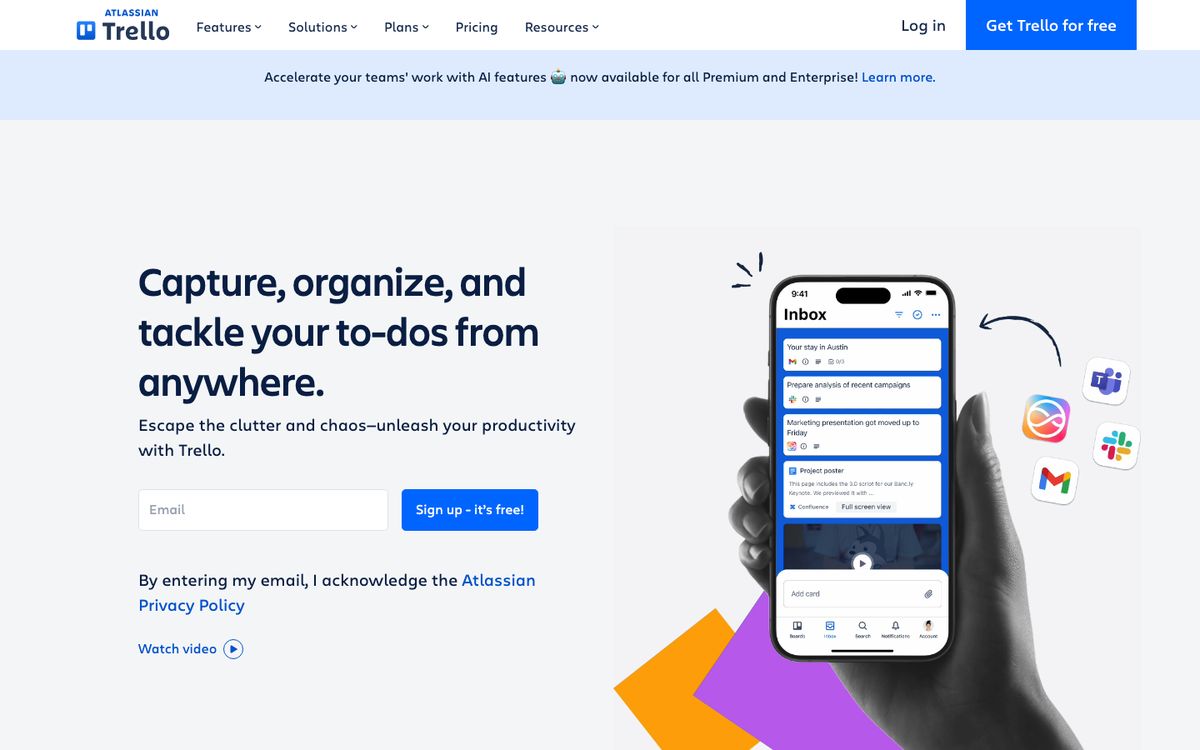
- Best for: Small teams and individuals who think in columns and cards.
- Free: Up to 10 collaborators and 10 boards per Workspace, 250 automation runs a month, 10 MB files.
- Price: Standard $5 ($6 monthly), Premium $10 ($12.50 monthly), Enterprise $17.50 per user per month billed annually. See Trello pricing.
- Tasks and views: Standard adds unlimited boards, custom fields and AI features. Calendar, Timeline, Table, Dashboard and Map views require Premium.
- Watch out for: Not built for dependencies or reporting across many projects.
5. Notion
Notion began as a workspace for documents and grew a database that can behave like a project tracker. Teams that already keep their wiki there often find a task table is all they need.
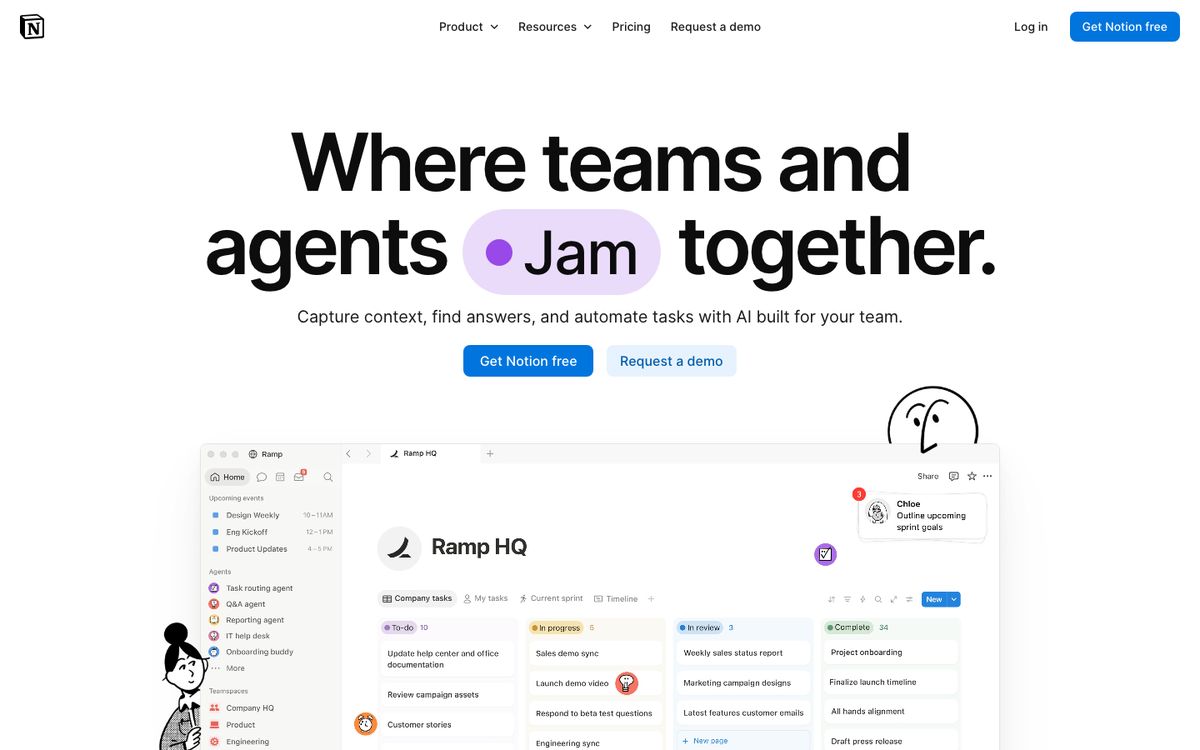
- Best for: Teams that want docs and lightweight tracking in the same place.
- Free: Built for individuals: blocks are limited once a workspace has two or more members. Also 10 guests, 7 days of page history and 5 MB file uploads.
- Price: Plus $10 and Business $20 per seat per month billed yearly, or $12 and $24 billed monthly. See Notion pricing.
- Tasks and views: Databases with subtasks, dependencies and custom properties on every plan. Charts and custom forms from Plus.
- AI: Notion Agent, custom agents and AI meeting notes are on Business, with 1,500 standard and 500 select credits per seat a month. Plus has a limited AI trial, and admins can buy more credits.
- Watch out for: You assemble the project tool yourself, and the AI you may want is on the $20 tier.
6. Wrike
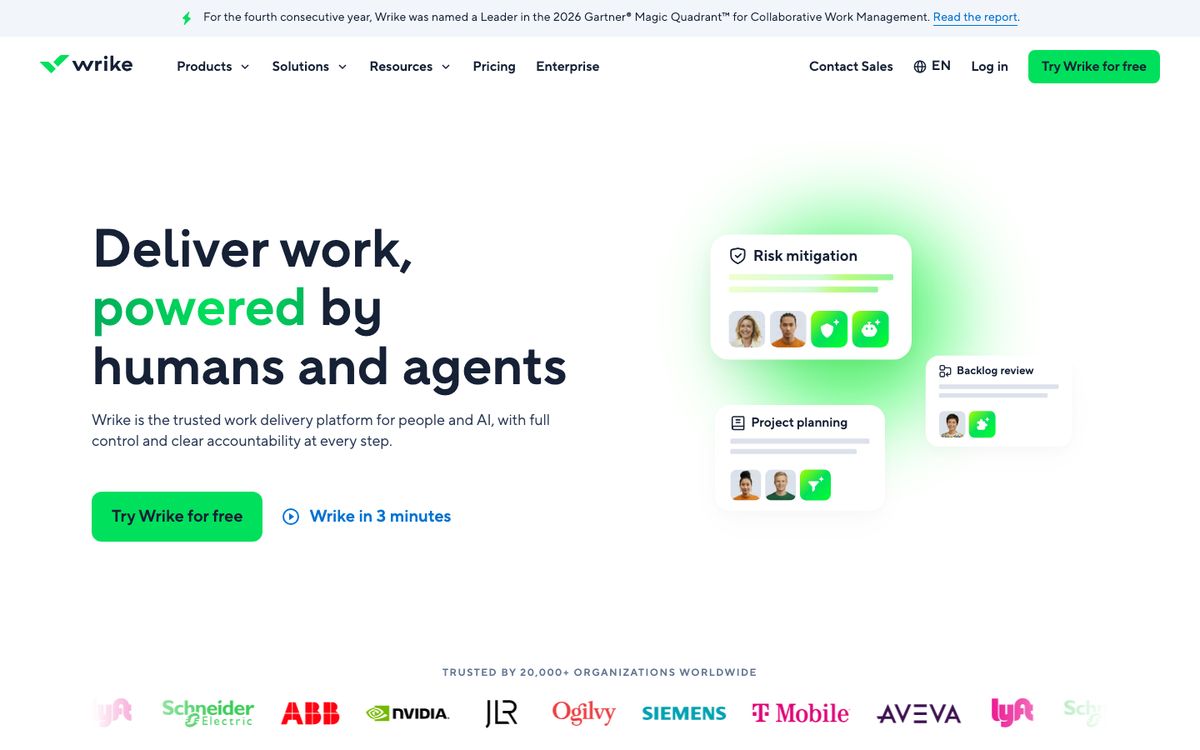
Wrike is built for process: workflows, Gantt charts, and resource and capacity planning, sold mainly to marketing teams and professional-services firms. See also the Wrike comparison.
- Best for: Process-heavy teams and agencies that manage requests, approvals and capacity.
- Free: A free plan with project and task management, Board and Table views.
- Price: Team $10 per user per month (2 to 15 users), Business $25 (5 to 200 users), then Pinnacle and Apex by quote. The listed prices apply to new purchases from 21 January 2026. Seats come in groups of 5, 10 or 25 depending on size, and Business and above are annual only. See Wrike pricing.
- Add-ons: Whiteboard is $15 per user per month. Integrate, two-way sync and AI Elite action packs are priced by quote.
- AI: AI Essentials on Team, and AI Elite features from Business upwards. AI Elite action packs are also sold as an add-on.
- Watch out for: A 20-person team is pushed to Business at $25 because Team stops at 15 users, and add-ons accumulate.
7. Smartsheet
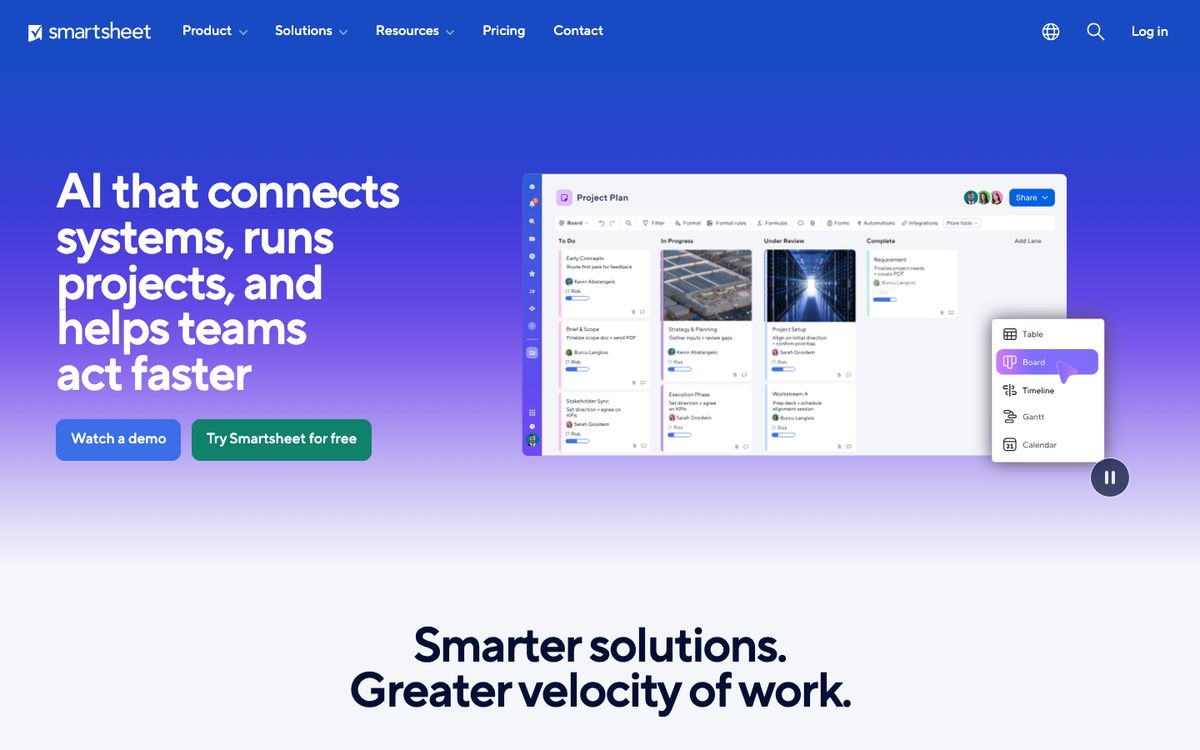
Smartsheet keeps the grid of a spreadsheet and adds Gantt charts, boards, forms and automations. It suits operations teams that think in rows and formulas.
- Best for: Operations and project-management offices used to spreadsheets.
- Free: None. There is a 30-day trial with no credit card.
- Price: Pro $9 per member per month billed annually ($12 monthly) for 1 to 10 members. Business $19 ($24 monthly) for 3 or more members. Enterprise and Advanced Work Management by quote. Pro includes unlimited free contributors, and Business unlimited guests and contributors. See Smartsheet pricing.
- Limits: Pro has 250 automations a month. Business has unlimited automations and 1 TB of attachment storage.
- AI: Conversational AI features on Pro. Business adds a connection to external AI tools.
- Watch out for: Pro stops at 10 members, so a larger team goes straight to Business.
8. Jira
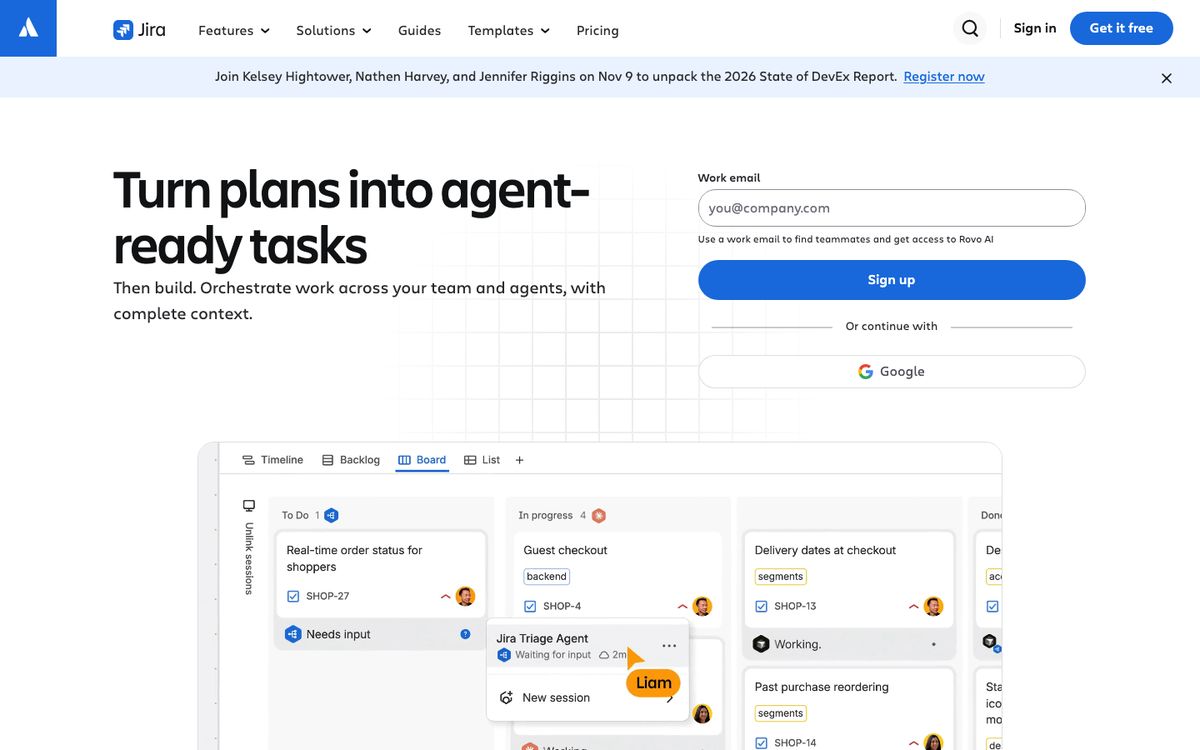
Jira is the default tracker for software teams, and unlike Asana's, its free plan still covers a real team.
- Best for: Software teams running sprints, backlogs and releases.
- Free: Up to 10 users, 2 GB of storage, backlog, list, board, timeline and calendar views, and 150 automation steps a month.
- Price: Jira's price per user depends on team size. At 20 users the page shows Standard at $9.70 and Premium at $19.60 per user per month billed monthly. Billed annually, it quotes a flat $2,450 a year for Standard and $4,900 for Premium for the 16 to 25 user tier. At the page's default of 300 users, the monthly price falls to $8.48 and $15.56. Enterprise is by quote, annual only. See Jira pricing.
- Tasks and views: Premium adds cross-team planning, dependency management and approvals, and unlimited storage.
- AI: Rovo credits per user a month: 25 on Standard, 70 on Premium, 150 on Enterprise. The Free plan does not include Rovo.
- Watch out for: It is organised around issues, sprints and releases. Non-technical teams often find it heavier than they need.
9. Linear
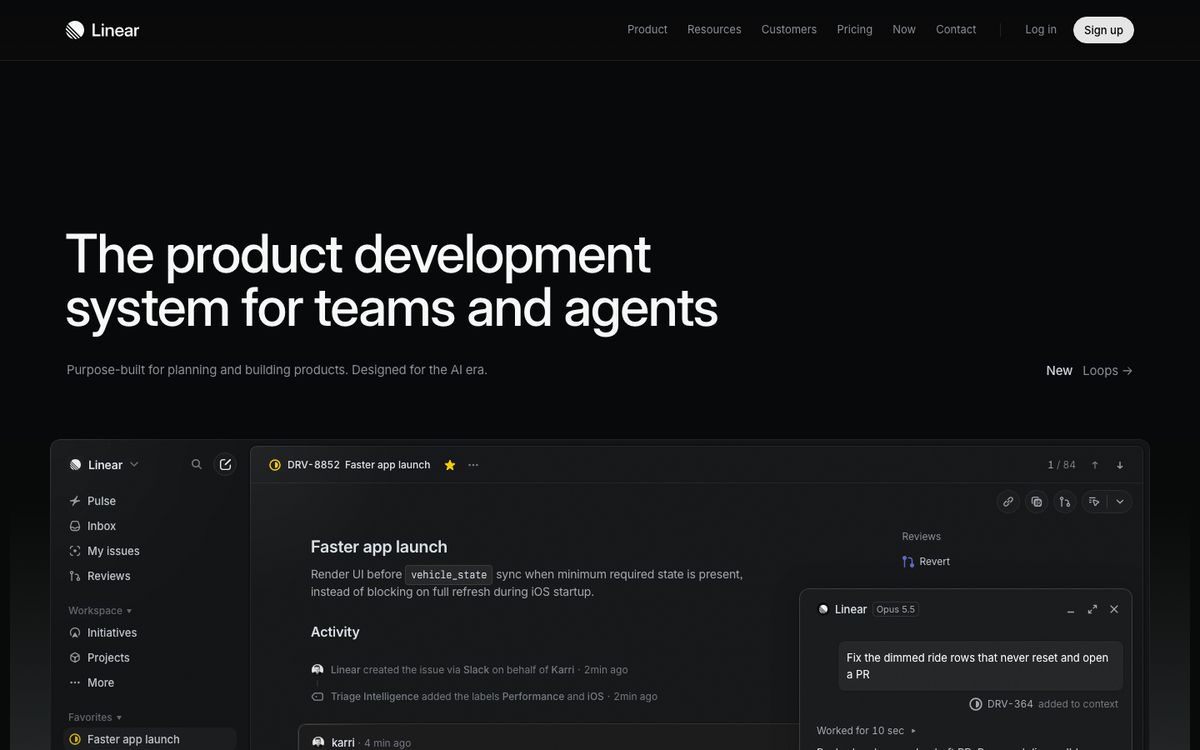
Linear is built for product and engineering teams, and its plan structure is simpler than Jira's.
- Best for: Product and engineering teams that want a fast, opinionated tracker.
- Free: Unlimited members, 250 issues, 2 teams, 10 MB file uploads.
- Price: Basic $10 and Business $16 per user per month, as listed on Linear's pricing page. Enterprise is by quote and billed annually only. See Linear pricing.
- Tasks and views: Issues, projects, cycles and initiatives on every plan. Business adds issue SLAs, private teams, guest accounts and insights.
- AI: The agent platform, Linear Agent and MCP access are on every plan, including free. Coding sessions and Loops require AI credits. Triage and code intelligence start at Business.
- Watch out for: It is not meant for generic business work or client projects, and the 250-issue cap bites quickly on the free plan.
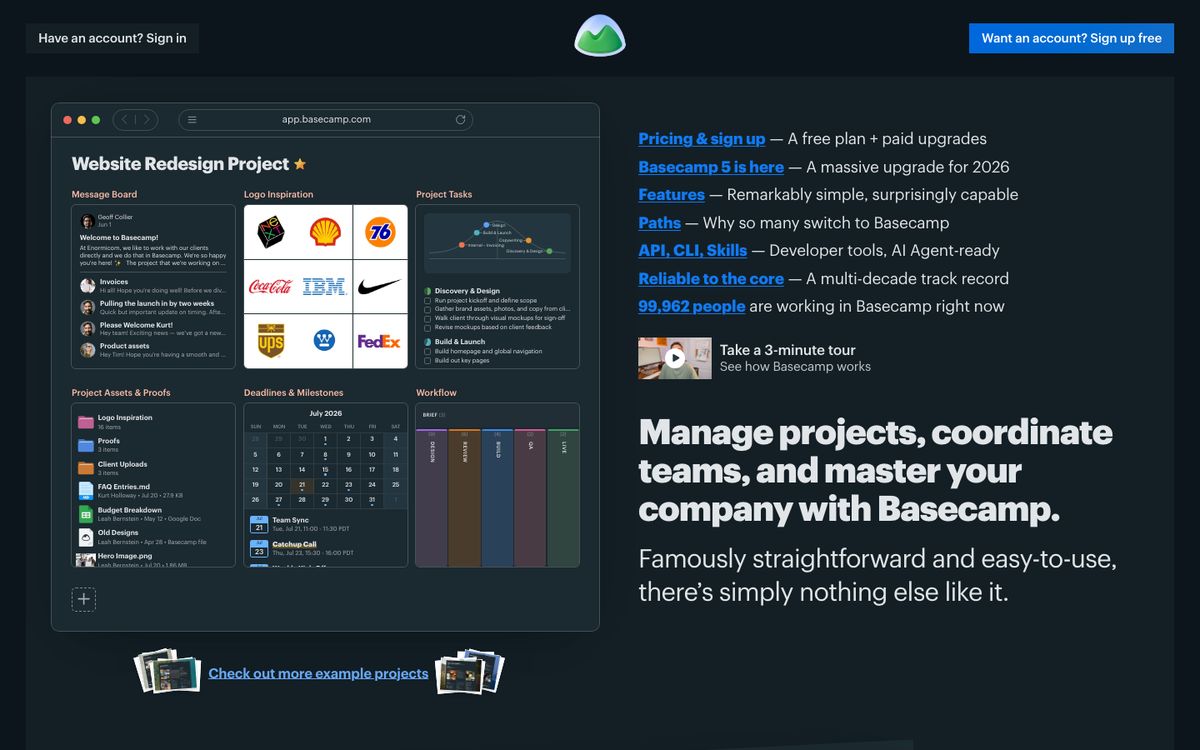
10. Basecamp
Basecamp is the contrarian entry. It charges by the number of projects, not the number of people, which flips the economics of the whole category.
- Best for: Larger teams that want a predictable bill, and agencies and consultancies that run a handful of projects.
- Free: 1 project, up to 3 users, 1 GB.
- Price: Freelancer $29 a month (3 active projects, up to 5 users), Pro $79 (8 projects, 10 users), Pro Plus $99 (12 projects, 15 users), and Pro Unlimited at $199 a month billed annually for unlimited projects and users and 1 TB of storage. There is a 30-day free trial. See Basecamp pricing.
- AI: AI agent connectors are on every plan, and the pricing page lists no per-use AI fee.
- Watch out for: Basecamp deliberately offers a narrower toolset than Asana, so check that it has the views and reporting you rely on. Per-project caps on the lower tiers can bind quickly.
11. Teamwork
Teamwork is built for agencies and client-services teams: billable time, client invoicing and retainers sit next to the tasks.
- Best for: Agencies and consultancies that bill clients for time.
- Free: Up to 5 users, 5 projects, 100 MB of storage and 100 automations a month. Time is logged but not billable.
- Price: Basics $9.99 and Accelerate $24.99 per user per month billed yearly. Optimize is by quote. Paid plans have a 14-day free trial, and the page says annual billing saves 29 percent. See Teamwork pricing.
- Billing: Basics adds billable time tracking and reporting. Accelerate adds invoicing from logged time, time budgets and retainers.
- Watch out for: TeamworkAI is included in all paid plans for an introductory period, and the page says usage-based AI credits will launch in November 2026. Ask what they will cost before you sign.
12. Plane
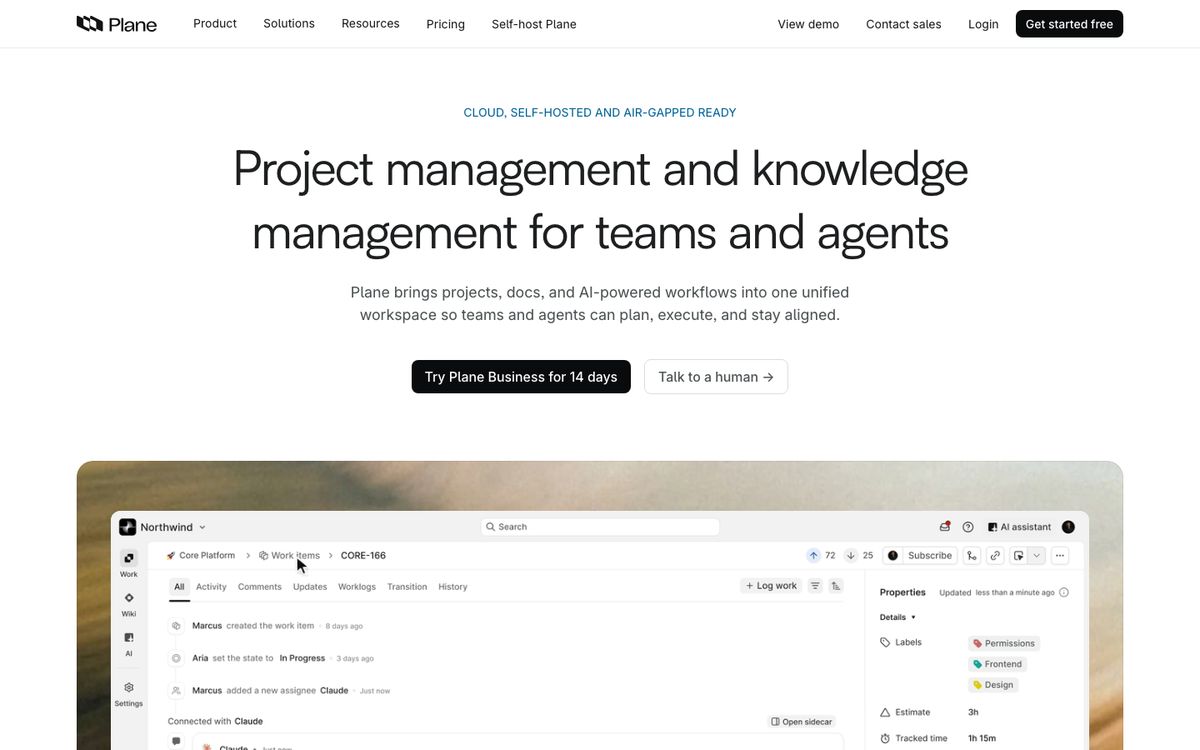
Plane is the open-source tracker closest to Linear in spirit, with a hosted cloud plan and the option to run it on your own servers.
- Best for: Product and engineering teams that want open source and the option to self-host.
- Free: Up to 12 users with projects, work items, cycles, modules and views.
- Price: Pro $6 per user per month billed annually ($8 monthly), Business $13 ($15 monthly). Enterprise Grid is available on request for a quote. The page lists no price for self-hosted deployments. See Plane pricing.
- AI: 500 credits per seat on Pro and 1,000 on Business. AI agents are not available on the free plan.
- Hosting: You can deploy Plane on your own servers and keep control of your data. SAML and OIDC single sign-on are available when self-hosting from Pro upwards.
- Watch out for: It speaks the vocabulary of engineering (cycles, modules, work items), and it is younger than Jira or Asana. The pricing page does not name its open-source licence.
13. OpenProject
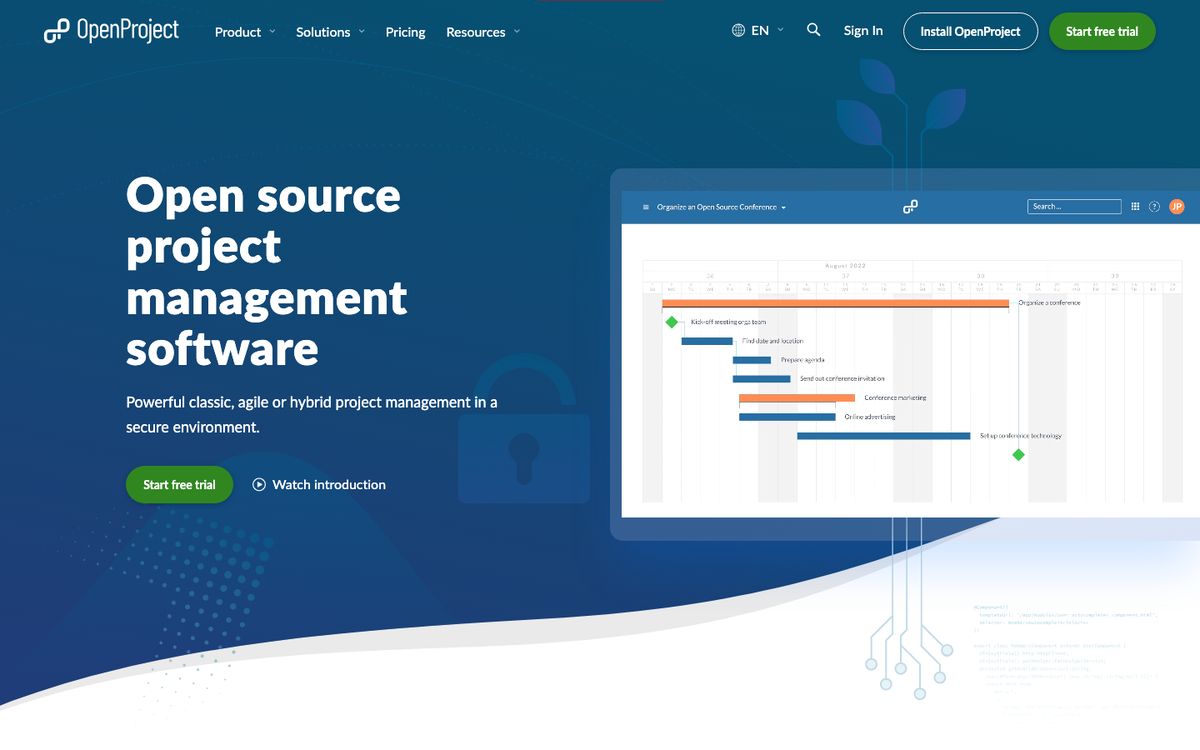
OpenProject is the traditional project manager on this list, with Gantt charts, work packages and baselines, and an open-source Community edition.
- Best for: Organisations that want formal project plans and control over where their data lives.
- Free: The Community edition is free and open source, with work packages, Gantt charts, basic agile boards, a wiki and an API. OpenProject recommends it for at least 5 users.
- Price: Basic €5.95 per user per month (25-user minimum), Professional €10.95 (25), Premium €15.95 (100), and Corporate on request (250). All are available in the cloud or on-premises. Prices are shown in euros. See OpenProject pricing.
- Paid features: Single sign-on, portfolio and resource management, an MCP server, LDAP group sync and full baseline comparison come with the paid editions.
- Watch out for: User minimums on paid plans, and more machinery than a team that just wants a shared to-do board needs.
Who should stay on Asana
It is easy to read a list like this as a case for leaving. It is not one. Asana does several things better than most of what is listed above, and some teams would lose more than they gain by switching.
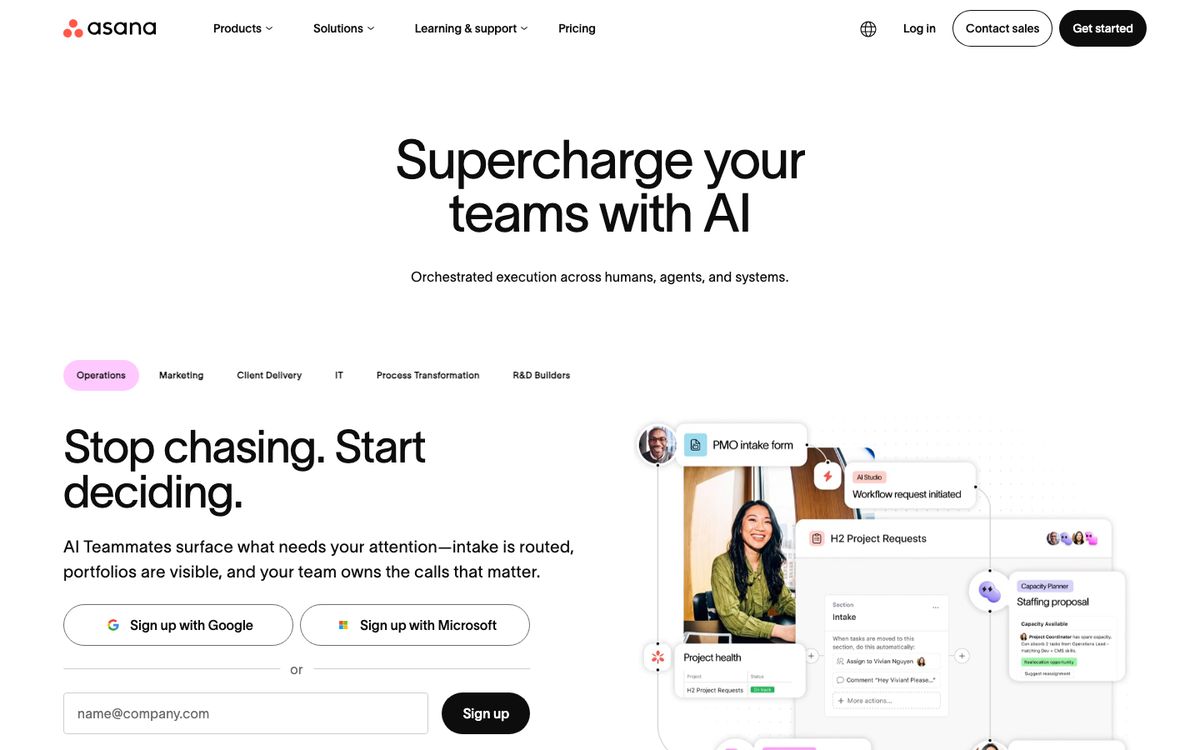
- You coordinate work across many teams. Portfolios, goals and resource management sit on the Advanced tier, and few of the cheaper tools match them.
- You rely on forms, rules and approvals. These are the first things to break in a migration, and the hardest to rebuild.
- You work with many outside collaborators. Asana's paid plans include free guests.
- You are on Enterprise. SSO, SCIM, audit logs and data residency are there already, and replacing them is a security review, not a download.
- You barely touch the AI features. A team that stays inside the included allowance pays the seat price, and the seat prices on Asana's page have not become the problem. The meter has.
How to choose, and how to switch
Start with the problem that is pushing you away, not a feature list. Four questions narrow the field fast:
- Is the problem the seat price, the AI meter, or the weight of the tool? If it is price, look at Trello, Plane, Jira or Basecamp. If it is the meter, ask each vendor the three questions in the AI section above. If it is weight, look at Trello or Basecamp.
- How many people, really? Seat minimums and plan caps change the answer. Do the 20-person arithmetic for your own headcount.
- What would you lose? List every portfolio, goal, rule and form you actually use, and check that each has an equivalent.
- Do you need your data on your own servers? Then it is OpenProject or Plane, and you will need someone to run them.
When you switch, do not move everyone at once. Export one project first and see what survives. Asana's help documentation describes a whole-organisation export as a JSON file that a super admin requests, and lists it as an Enterprise+ feature. Projects can be exported to CSV or JSON, though third-party migration guides report that comments and attachment contents do not come along, so treat the first export as a test. Run the new tool beside Asana for a few weeks, move one team, and keep the old workspace read-only afterwards so people can still search it. Recreate only your active projects. Check contract terms too: Wrike's Business plan and above are annual only. Our migration guide walks through the process step by step.
Frequently asked questions
What is the best free Asana alternative?
It depends on team size. Jira's free plan covers up to 10 users with timeline, board and list views. Trello's covers 10 collaborators and 10 boards. Plane's covers 12 users and can be self-hosted. ClickUp and Linear do not cap members, but ClickUp gives 60 MB of storage and Linear 250 issues. FabricLoop's free plan has unlimited users and up to 10 groups. By comparison, Asana's free plan lists two users and monday.com's lists two seats.
What is the cheapest paid alternative to Asana?
Trello Standard at $5 per user per month billed annually ($6 monthly), then Plane Pro at $6. Basecamp's Pro Unlimited plan is $199 a month for any number of users, which undercuts a $10-a-seat tool once you pass about 20 people.
Is Asana getting more expensive?
Its listed seat prices are $10.99 for Starter and $24.99 for Advanced, billed annually. The AI layer is metered by the request, and the free plan lists two users.
How much does Asana's AI cost?
Paid tiers include a base allowance: 5 requests per user per month, capped at 50 per account on Starter and Advanced, and 250 on Enterprise. The pool is shared across the organisation, resets monthly, and unused requests do not roll over. If it runs out and no extra capacity is bought, AI Teammates and Dash pause until the next refresh. Admins are alerted at 65, 85 and 100 per cent, and can set the overage cap to $0. Beyond the allowance a request costs $0.50 if prepaid or $0.60 if billed monthly. AI Studio uses a separate pool of credits: 50,000 a month on Starter, 75,000 on Advanced and 200,000 on Enterprise, per billing account.
What is the best Asana alternative for software teams?
Jira if you want the incumbent, with a free plan for 10 users. Linear if you want something faster and more opinionated. Plane if you want open source. All three are built around issues and cycles rather than the general business tasks Asana handles.
Which Asana alternatives can I self-host?
Plane and OpenProject both offer open-source, self-hostable versions. Asana, monday.com, ClickUp, Trello, Notion, Wrike, Smartsheet, Linear, Basecamp and Teamwork are cloud services on the plans listed here.
Can I export my data from Asana?
Yes, with limits. Asana's documentation describes per-project export to CSV or JSON, and a whole-organisation JSON export that a super admin can request on its top tier. Third-party migration guides report that comments and attachment contents are not included. Test with one project before you commit, and check what your plan allows.
Which Asana alternatives keep tasks and chat together?
FabricLoop and ClickUp both have chat and tasks in one app. FabricLoop starts from chat, and ClickUp starts from project management. If you also pay for Slack, the Slack alternatives guide covers that side.
Sources
Prices and plan limits come from each vendor's own pages as of 30 October 2026, unless noted.